
California VINE Coverage
California VINE / VINELink is a custody-status and notification system. It is designed to help users check a person in a participating California custody or case record and register for automated notifications. In Sonoma County release work, VINE sits between the live jail search and the official record request: it can alert users to a release or transfer, but it does not replace the Sheriff's release record or the court case.
Use VINE when the person may still be in the Main Adult Detention Facility, North County Detention Facility, or another participating California custody record. Use CDCR CIRIS and CDCR victim services when the Sonoma jail event was a transfer to state prison. Use BOP or ICE channels only when the release path moved into federal or immigration custody; VINE should not be treated as a federal-prison locator.
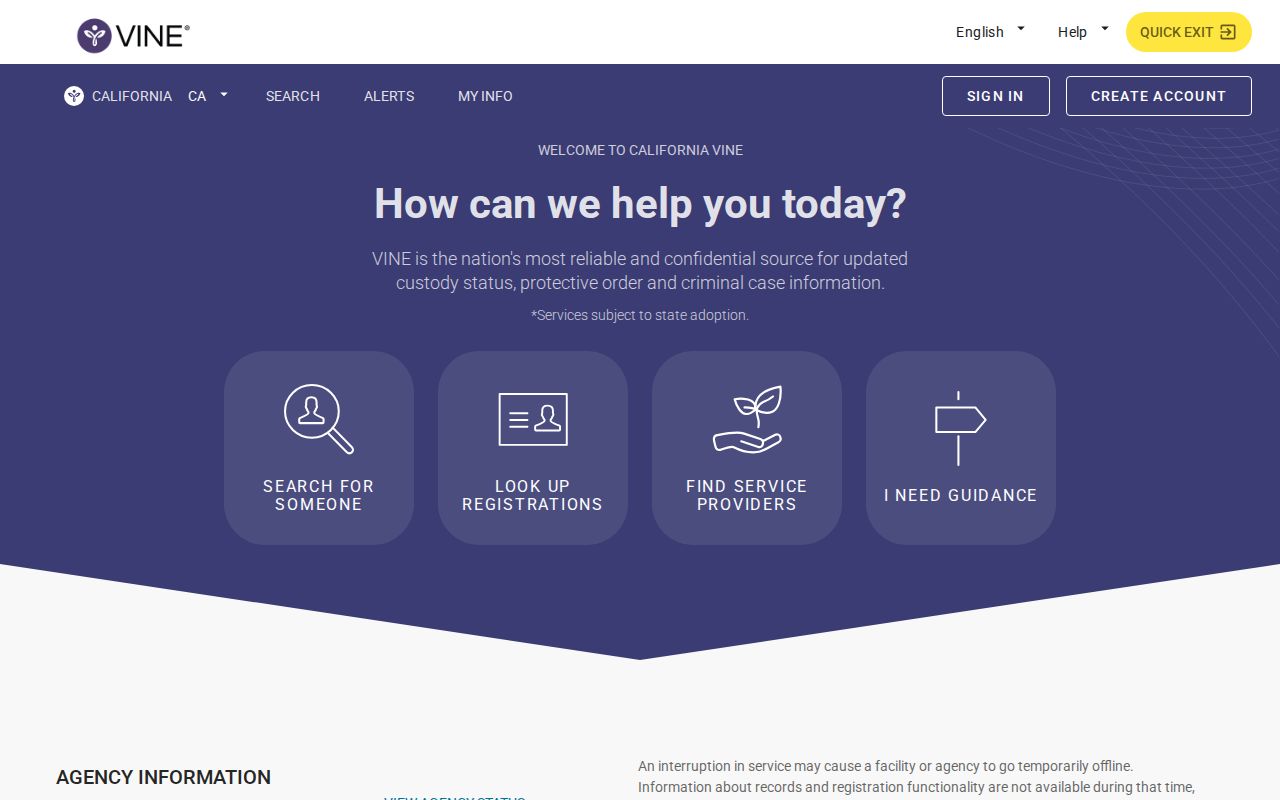
Search One Person
To check a specific Sonoma County person on VINE, use identifying details from the booking, court case, or family records. A common name can produce multiple matches, so compare the record before registering for alerts.
- Open the California VINE landing page or the direct California person search.
- Select California if the site asks for a state.
- Search by the person's name or by an identifying number if you have one.
- Compare name spelling, date of birth or age if shown, agency or facility, and custody status.
- If the person appears in custody, open the record and use the notification option for release or custody-change alerts.
- If the result says released, no longer in custody, or similar wording, treat it as a custody-status signal and confirm through the Sonoma Sheriff's record request or the court if you need a document.
- If no record appears, check aliases, booking number, the Sonoma Sheriff's current-custody search, CDCR CIRIS, BOP, ICE ODLS, and the Sonoma Superior Court case.
For a broader named-person workflow beyond VINE, use the search sequence on the Sonoma County released inmates home page.
What VINE Shows
VINE fields vary by agency and record. For a Sonoma County release check, the practical task is to decide whether the record is still active, whether a release or transfer has been reported, and which agency should be contacted for official proof.
| Field or signal | What it can show |
|---|---|
| Name and identifying details | Helps distinguish people with similar names; compare with booking number, court case, age, or date of birth when available. |
| Custody status | May indicate in custody, released, no longer in custody, transferred, or another agency-specific status. |
| Agency or facility | Shows the participating custody source, such as a jail, prison, or court/case record where available. |
| Notification option | Lets the user register for release, transfer, or custody-change alerts while the record supports registration. |
| Release result | Generally signals that the person is no longer in that participating agency's custody; it may not explain the legal reason or whether another agency took custody. |
Register for Sonoma Alerts
Registration is most useful before release, while the custody record is active. VINELink support says users can receive automated notifications by email, text, or phone call and recommends adding at least two different notification methods when possible.
- Open the person record in California VINE.
- Choose the available "Get Notified" or registration option.
- Select phone, email, text, TTY, or in-app notification when offered.
- Enter the phone number or email address for the chosen method.
- Create or provide a PIN if the system asks for one. Keep it because PINs are often used to confirm phone notifications or manage the registration.
- Add a second notification method when possible, especially if timing is important.
- Confirm the registration and save the person record details, agency, and any identifying number.
County Jail to CDCR Handoff
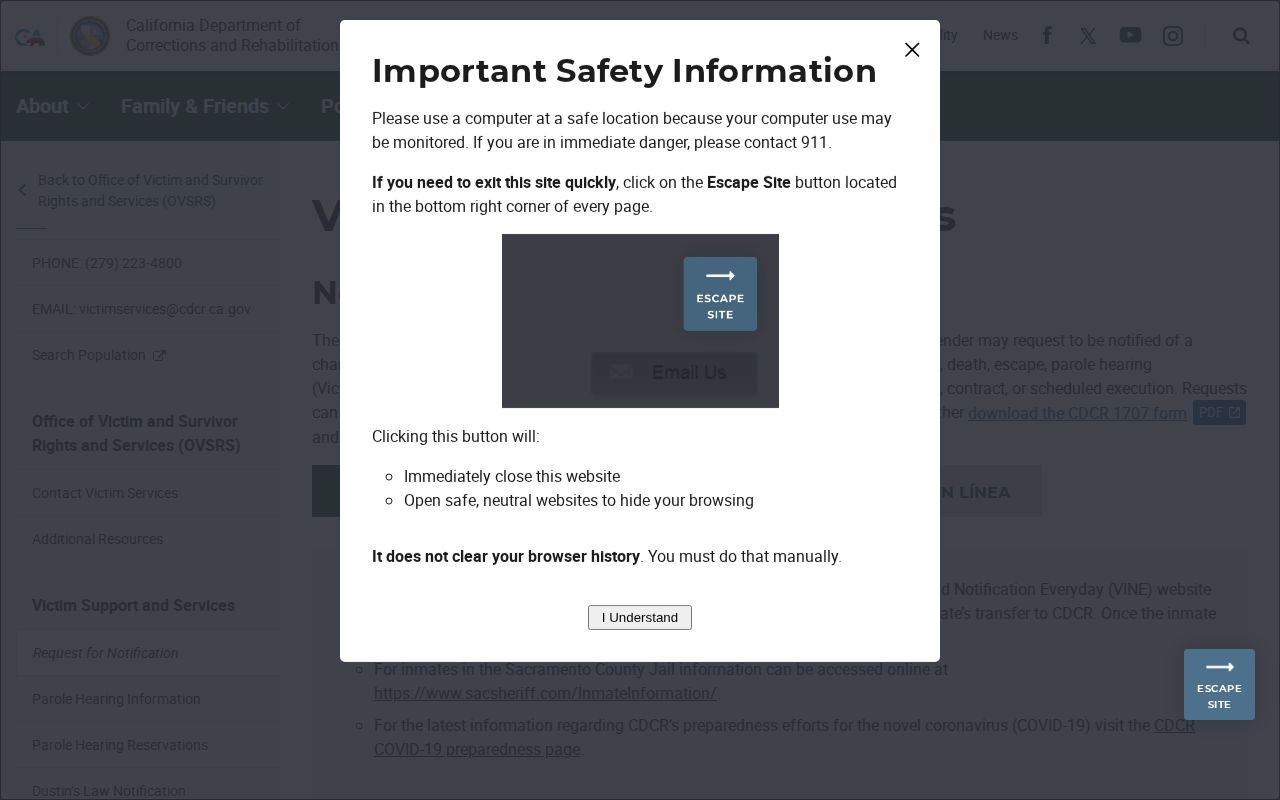
The Sonoma-specific VINE angle is the handoff from county jail to CDCR. CDCR victim services says county jail status can be tracked through VINE and that VINE can be used to register for notification of transfer to CDCR. Once the person is transferred, state-prison notification services use CDCR's victim-services request process, including Form 1707 / e1707.
That distinction matters because a release from the Sonoma jail search may be a transfer rather than a community release. If the person was sentenced to state prison, confirm the state custody record through CDCR CIRIS, CDCR records, BPH schedules or results when parole suitability is involved, and CDCR victim services for state-prison notifications. Do not assume one county jail VINE registration covers every later prison event.
Limits and Confirmation
VINE is strong for custody-change alerts, but it is not a complete historical release-record archive. Data can lag, record wording can vary, and a "released" signal may only mean the person left the listed agency. It may not show whether the release was bond, time served, court order, transfer to CDCR, transfer to another county, federal custody, or another lawful authority.
Confirm with the record holder
For Sonoma jail releases, use the Sonoma Sheriff's records request route. For legal disposition, use Sonoma Superior Court. For state-prison custody or parole, use CDCR, DAPO, and BPH. For federal custody, use BOP. For immigration custody, use ICE ODLS where applicable.
California public-records law supports access to specified arrest and booking facts, but juvenile, sealed, safety-sensitive, medically confidential, dismissed, and active-investigation records can be limited. When timing matters, verify important details with the agency that created the record rather than relying on a single online status.
VINE Is Not a Registry
VINE is separate from offender registries. California's Megan's Law website is the public sex offender registry, and the Sonoma Sheriff's Sex Registrants page points users to that official state registry. The registry is not a general released-inmate list and is not a substitute for a VINE alert, a Sheriff's release record, or a court disposition. California arson registration is also a legal registration category, but it is not a general public online released-inmate search comparable to VINE or the Sheriff's current-custody lookup.
Match Sonoma VINE Records
A VINE result should be matched with the same care used for a jail or court search. Compare name spelling, age or birth details if shown, agency, facility, and custody status. If a common name returns more than one result, do not rely on the first match. Use the booking number, court case, CDCR number, or another identifier when available.
If VINE shows a release or no-longer-in-custody status, treat it as a custody-status signal. The Sheriff release record or court file remains the better source for the release reason. If VINE shows no result, check the Sonoma jail search, aliases, CDCR CIRIS, BOP, ICE ODLS, and the Sonoma Superior Court case before concluding that no custody record exists.
Sonoma VINE Alert Timing
VINE alerts depend on participating agency data and notification settings. A phone, email, text, TTY, or app alert can lag the physical release or transfer. Keep the PIN or account details used to manage the registration. VINELink support recommends adding more than one notification method when possible, and that advice is useful for Sonoma custody-change notices because one channel can fail or be missed.
For immediate legal or safety decisions, verify directly with the originating agency. VINE is a strong alert tool, but it is not the official paper release record and it does not replace a court order, Sheriff records response, or CDCR records contact.
For Sonoma County jail cases, the best follow-up after an alert is to save the record details, note the time the notice arrived, and compare that notice with the Sheriff release record or court disposition. For state-prison transfers, keep both the VINE record and the CDCR victim-services registration information because the notification path can change after CDCR receives the person officially.
Public Record Search
Sponsored Results